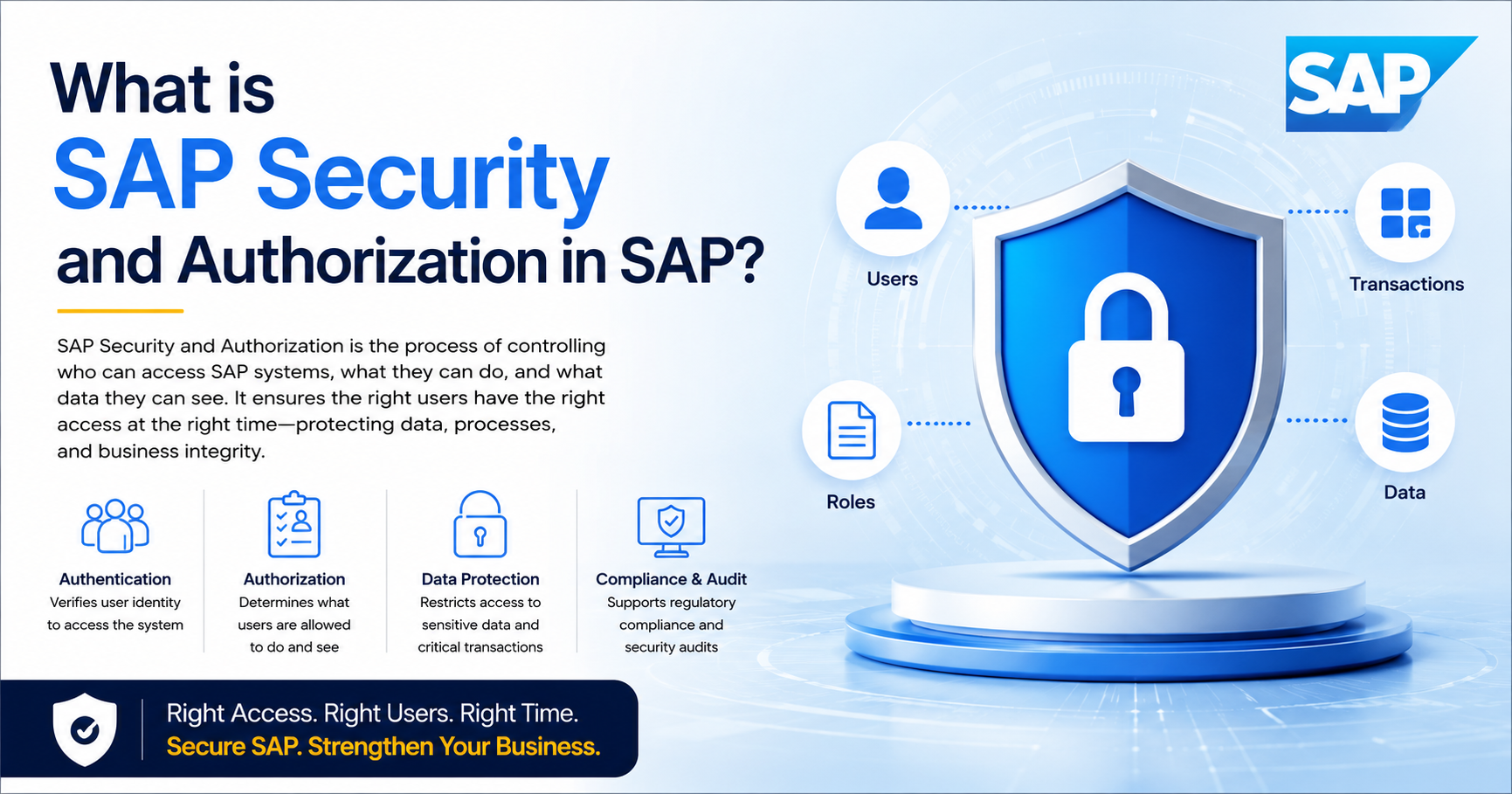
Introduction to SAP Security
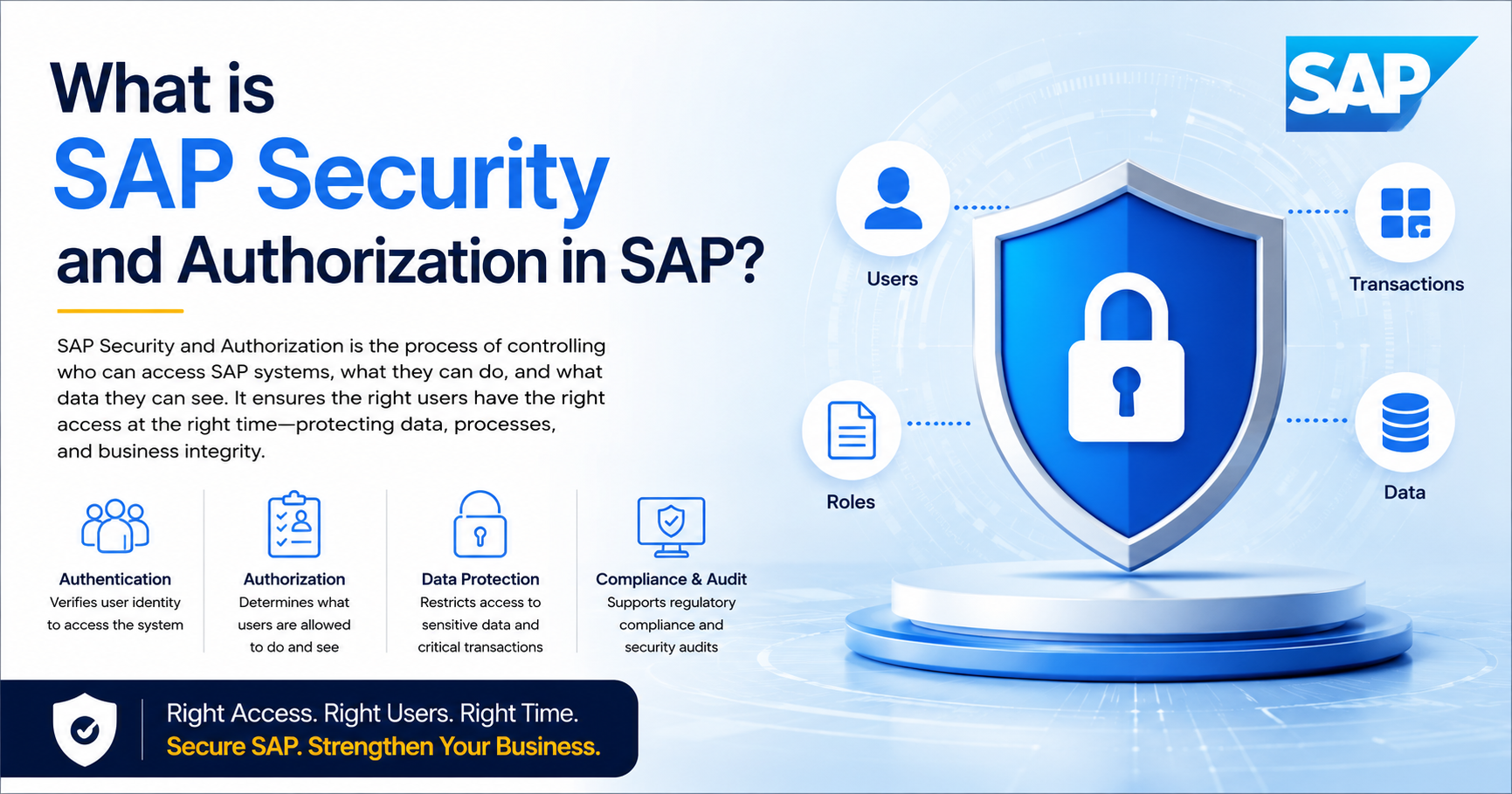
SAP Security is a process used to protect SAP systems from unauthorized access, data leaks, fraud, and misuse. It ensures that only authorized users can access specific transactions, reports, and data inside the SAP environment.
SAP Security and Authorization mainly focus on:
- User authentication
- Role management
- Authorization control
- Data protection
- System monitoring
- Compliance and auditing
In simple words, SAP Security decides:
“Who can access what in the SAP system?”
What is Authorization in SAP?
Authorization in SAP means giving users permission to perform specific activities.
For example:
- HR employees can access employee records
- Finance users can view accounting reports
- Normal employees cannot access admin settings
SAP checks authorizations whenever a user tries to execute a transaction or access sensitive data.
Why SAP Security is Important
SAP systems store critical business information such as:
- Financial data
- Employee details
- Customer information
- Inventory records
- Business reports
Without proper security:
- Unauthorized users may steal data
- Sensitive information may leak
- Fraudulent activities may happen
- Compliance rules may be violated
That is why SAP Security is essential for every company using SAP.
Main Components of SAP Security
1. User Administration
User administration involves:
- Creating users
- Locking/unlocking accounts
- Password management
- Assigning roles
Common transaction codes:
| Transaction | Purpose |
|---|---|
| SU01 | Create and maintain users |
| SU10 | Mass user management |
| PFCG | Role maintenance |
2. Roles in SAP
A role is a collection of authorizations.
Instead of assigning permissions one by one, SAP administrators create roles and assign them to users.
Example:
Finance Role
May include access to:
- Invoice creation
- Financial reports
- Payment processing
HR Role
May include access to:
- Employee master data
- Payroll information
3. Authorization Objects
Authorization objects control user access.
Each authorization object contains fields such as:
- Activity
- Company code
- Plant
- Document type
Example:
An employee may have permission to:
- Display invoices
- But not edit or delete them
4. Profiles
Profiles are generated automatically from roles and contain technical authorization data.
When a role is assigned to a user:
Role → Generates Profile → Gives Authorization
5. Transaction Codes (T-Codes)
SAP uses transaction codes to access functions quickly.
Examples:
| T-Code | Description |
|---|---|
| SU01 | User Maintenance |
| PFCG | Role Creation |
| SU53 | Authorization Check |
| ST01 | System Trace |
| SM19 | Audit Configuration |
SAP Authorization Process
When a user logs into SAP and runs a transaction:
- SAP checks the user ID
- Checks assigned roles
- Verifies authorization objects
- Grants or denies access
If authorization fails:
- User gets an authorization error
- Security team investigates using SU53 or ST01
Important SAP Security Transactions
| Transaction Code | Purpose |
|---|---|
| SU01 | User Administration |
| PFCG | Role Maintenance |
| SU53 | Check Missing Authorization |
| SUIM | User Information System |
| ST01 | Authorization Trace |
| SM20 | Security Audit Log |
| SU24 | Authorization Proposal |
| SU25 | Upgrade Authorization Adjustment |
Types of SAP Users
Dialog User
Normal users who log in manually.
System User
Used for background communication between systems.
Communication User
Used for external system connections.
Service User
Shared users for anonymous access.
Reference User
Used to provide additional authorizations.
SAP Security Best Practices
Principle of Least Privilege
Give users only the access they need.
Segregation of Duties (SoD)
Prevent risky combinations of access.
Example:
- Same user should not create and approve payments.
Regular Role Review
Review roles periodically.
Strong Password Policies
Use secure passwords and MFA if available.
Audit Monitoring
Track suspicious activities regularly.
Common SAP Security Issues
- Excessive authorizations
- Unauthorized access
- Weak password management
- Role conflicts
- Inactive users not removed
- Missing audit logs
SAP Security Career Opportunities
SAP Security professionals are highly demanded in industries such as:
- Banking
- Healthcare
- Manufacturing
- Retail
- IT services
Popular job roles:
- SAP Security Consultant
- SAP GRC Consultant
- SAP Authorization Analyst
- SAP Basis Security Administrator
Difference Between Authentication and Authorization
| Authentication | Authorization |
|---|---|
| Verifies identity | Verifies permissions |
| “Who are you?” | “What can you access?” |
| Login process | Access control |
SAP GRC and Security
SAP GRC helps companies manage:
- Risk management
- Access control
- Compliance
- Audit processes
It is commonly integrated with SAP Security systems.
Conclusion
SAP Security and Authorization are critical parts of every SAP environment. They help organizations protect sensitive business data, control user access, and maintain compliance.
A strong SAP security system ensures:
- Safe business operations
- Controlled access
- Reduced fraud risks
- Better compliance management
Learning SAP Security can also open excellent career opportunities in the SAP ecosystem.


